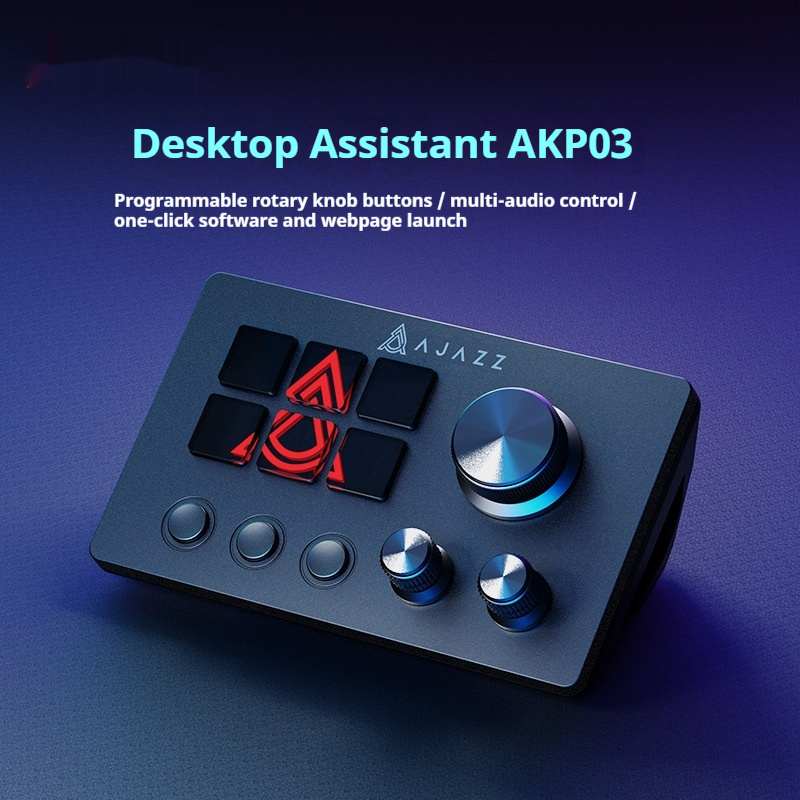
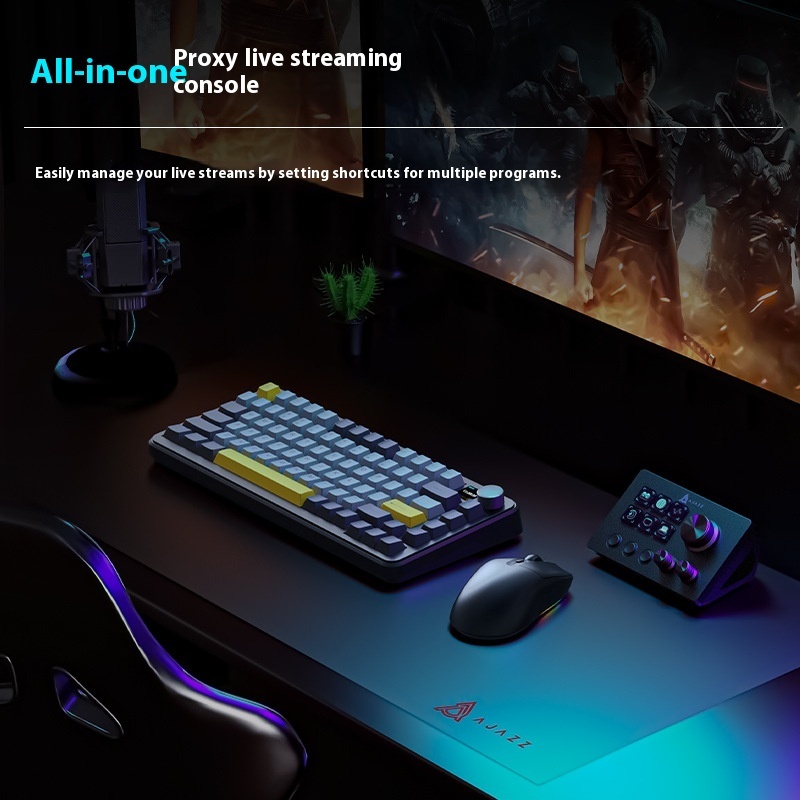
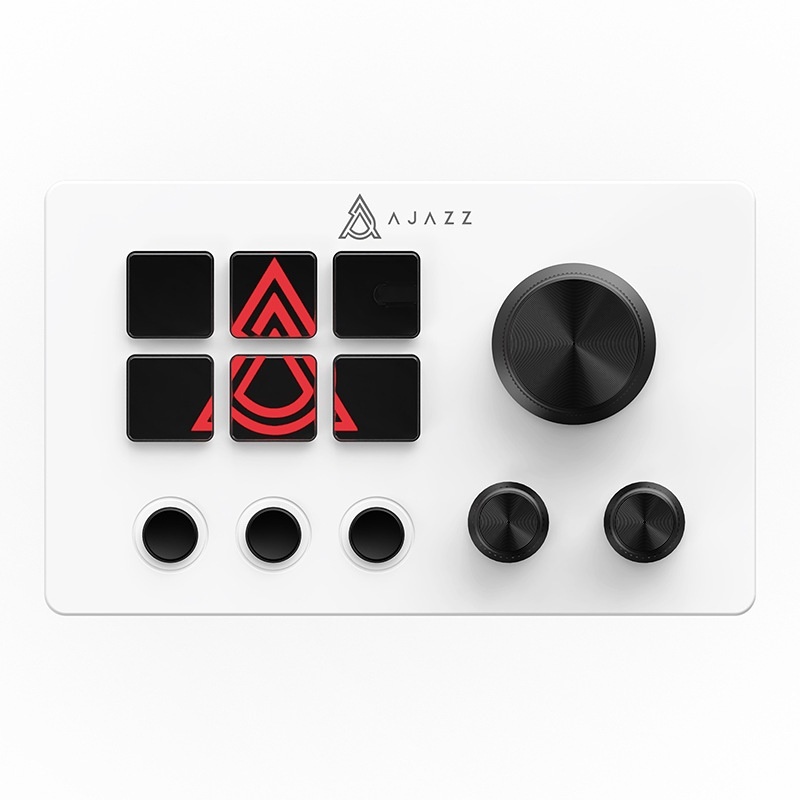
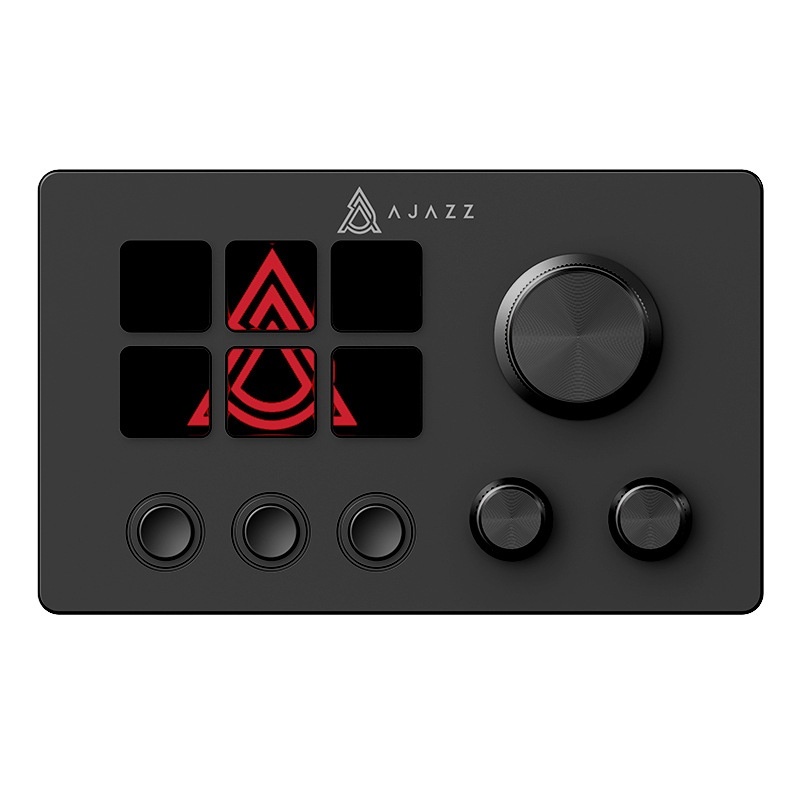
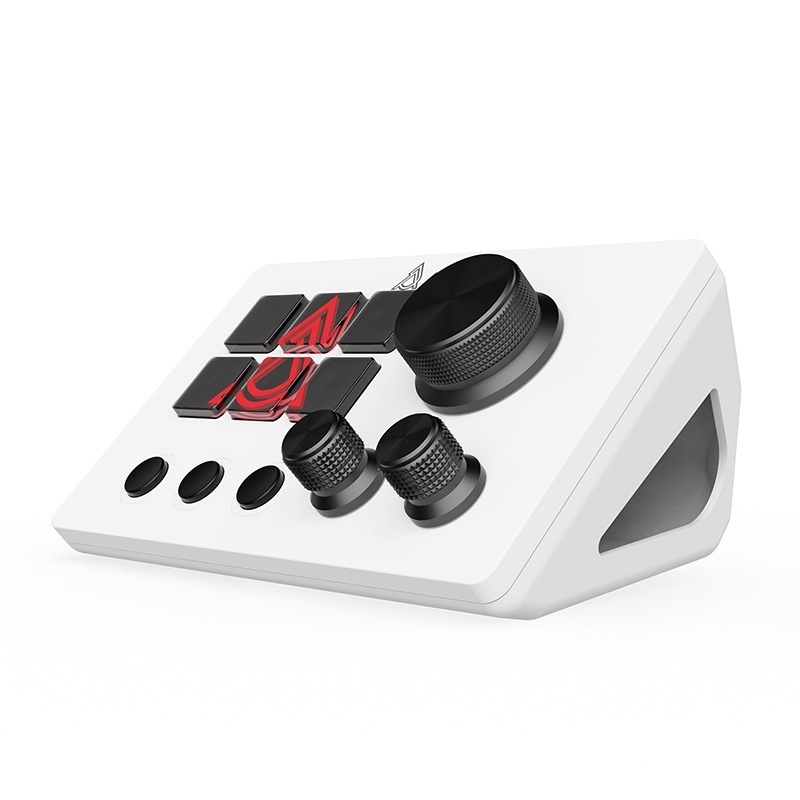
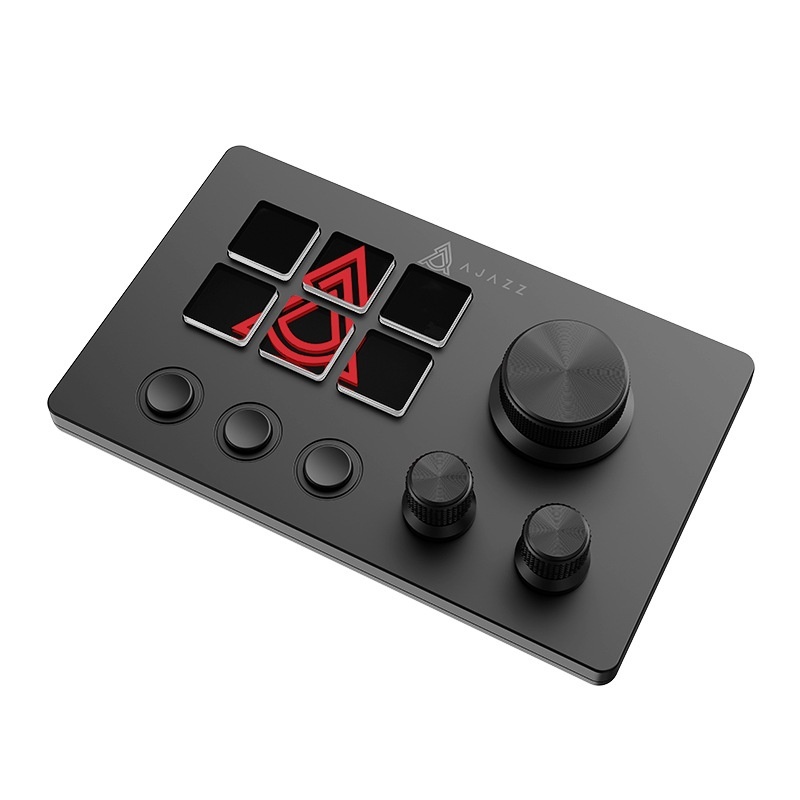





Gain unparalleled command over your live productions and creative projects with the Live Assistant Button. Designed for creators, this intuitive device streamlines audio, video, and file management, ensuring seamless execution every time.
Key Features
- Precision Volume & Audio Channel Control for dynamic soundscapes.
- Dynamic Mesh File & Video Visualization for instant feedback.
- Tactile, responsive button interface for intuitive operation.
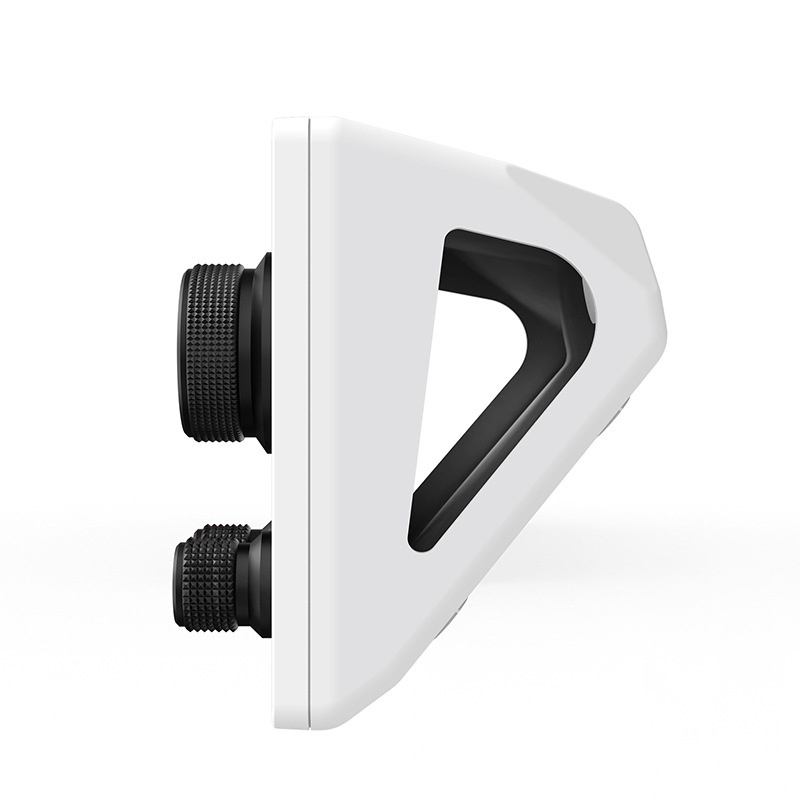
- Compact, ergonomic design for any desk setup.
- Available in sleek White or Black to match your aesthetic.
Enhance your efficiency and accuracy in real-time. Instantly monitor and adjust audio levels, while visually tracking file and video states for seamless transitions. This button reduces complexity, empowering a smoother, more professional workflow for streamers, podcasters, and content creators.
Crafted for durability, this robust control button is lightweight and an essential addition to any modern creator's desk.
Q: Is the Live Assistant Button compatible with major streaming and editing software on Windows and Mac?
A: Yes, the Live Assistant Button is designed for broad compatibility, seamlessly integrating with popular platforms like OBS Studio, Streamlabs OBS, Adobe Premiere Pro, and more on both Windows and mac OS operating systems, enhancing your creative workflow.
Q: How easy is it to set up and customize the Live Assistant Button for my specific creator workflow?
A: Setting up your Live Assistant Button is straightforward. It offers a user-friendly interface for assigning custom functions, allowing you to quickly program controls for audio channels, video visualization, and more, tailoring it precisely to your unique live production or editing needs.
Q: What does “dynamic mesh file and video visualization” mean and how does it enhance live production?
A: Dynamic mesh file and video visualization provides instant, real-time visual feedback on your active media files and video states. This allows creators to monitor asset readiness and transitions at a glance, significantly improving accuracy and efficiency during live streams, presentations, and video editing sessions.



Reviews
There are no reviews yet.